How to install Docker on Ubuntu 24.04 LTS
This post provides a step-by-step guide on how to install Docker on Ubuntu 24.04 LTS. The official Docker documentation outlines several methods for installing Docker on Ubuntu. This guide focuses on installing Docker using the apt repository.
Prerequisites
Uninstall conflicting packages
Before installing Docker, ensure that any unofficial packages are removed, as they may conflict with the official Docker packages.
According to the official Docker documentation, the unofficial packages are:
docker.iodocker-composedocker-compose-v2docker-docpodman-docker
Uninstall the conflicting packages with:
1
sudo apt remove $(dpkg --get-selections docker.io docker-compose docker-compose-v2 docker-doc podman-docker containerd runc | cut -f1)
Install Docker using the apt repository
Step 1: Set up the Docker apt repository
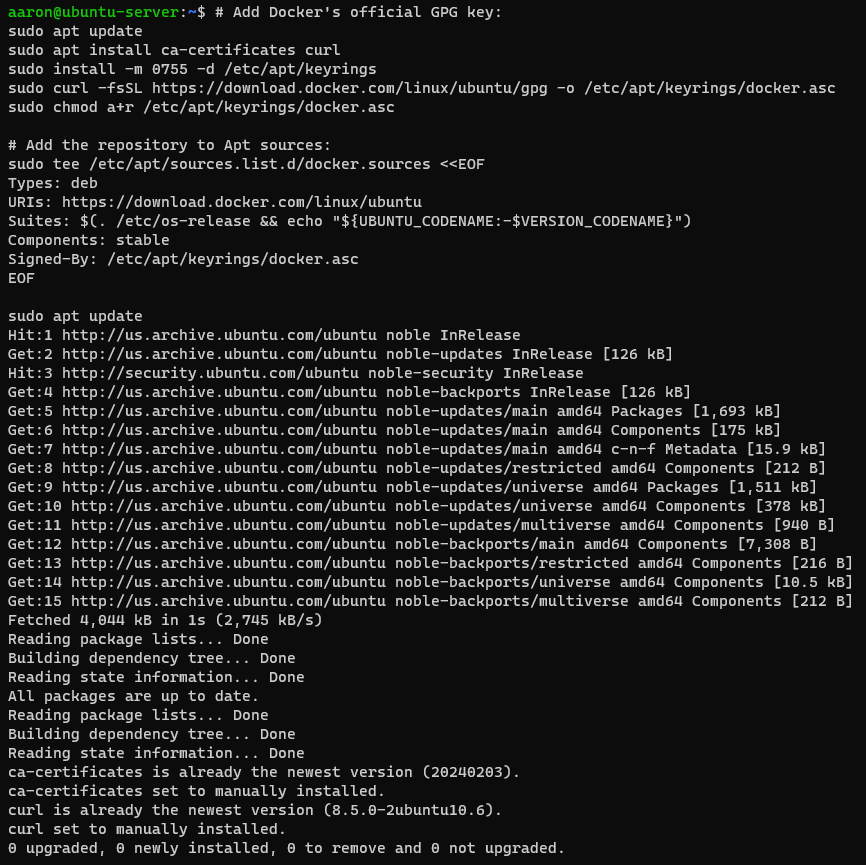
The following commands will add Docker’s GPG key and the repository to apt sources:
1
2
3
4
5
6
7
8
9
10
11
12
13
14
15
16
17
# Add Docker's official GPG key:
sudo apt update
sudo apt install ca-certificates curl
sudo install -m 0755 -d /etc/apt/keyrings
sudo curl -fsSL https://download.docker.com/linux/ubuntu/gpg -o /etc/apt/keyrings/docker.asc
sudo chmod a+r /etc/apt/keyrings/docker.asc

# Add the repository to Apt sources:
sudo tee /etc/apt/sources.list.d/docker.sources <<EOF
Types: deb
URIs: https://download.docker.com/linux/ubuntu
Suites: $(. /etc/os-release && echo "${UBUNTU_CODENAME:-$VERSION_CODENAME}")
Components: stable
Signed-By: /etc/apt/keyrings/docker.asc
EOF

sudo apt update
Example output:
Step 2: Install Docker packages
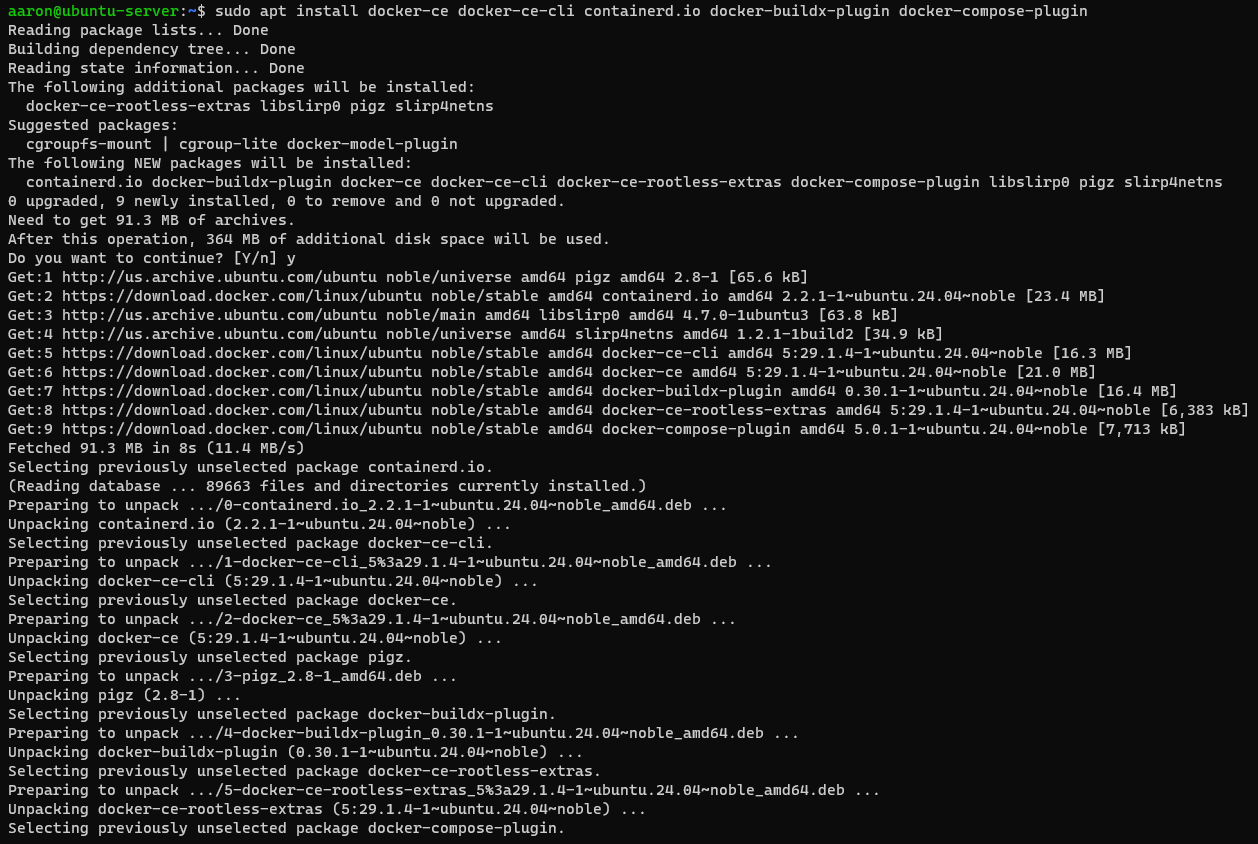
Next, install the Docker packages by running:
1
sudo apt install docker-ce docker-ce-cli containerd.io docker-buildx-plugin docker-compose-plugin
Example output:
Step 3: Add user to Docker group
By default, Docker commands must be run with sudo. To run Docker commands without sudo, add your user to the Docker group by running:
1
sudo usermod -aG docker $USER
Step 4: Verify Docker installation
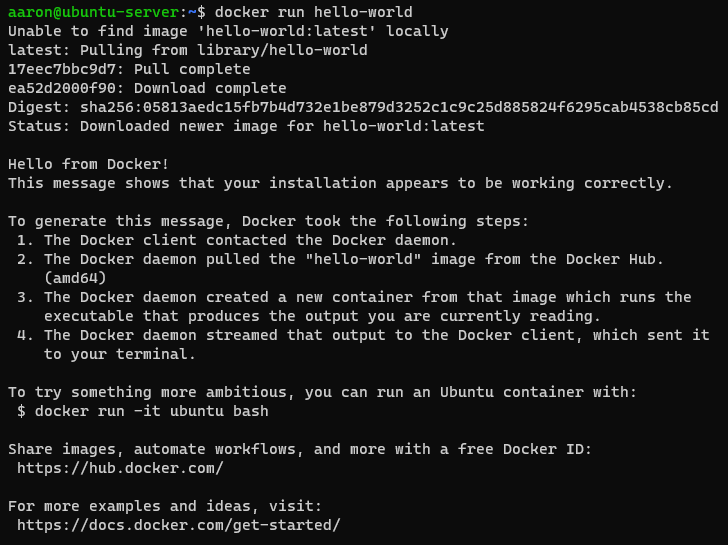
Lastly, verify that the installation was successful with:
1
docker run hello-world
Example output:
You have now successfully installed Docker on Ubuntu 24.04 LTS.